

Table of Contents
- What Makes an Industrial Printer Component Reliable
- OEM vs Aftermarket Printer Parts: Which Route Fits Your Production
- How to Vet an Industrial Printer Parts Supplier
- The Industrial Printer Maintenance Checklist That Prevents Emergency Sourcing
- Benefits of Professional Industrial Printer Repair Services
- Negotiating Price, Lead Times and Warranty Terms
- Frequently Asked Questions
Last Updated: September 11, 2026
What Makes an Industrial Printer Component Reliable
Reliable industrial printer components are those that match your machine's exact specification, can be traced back to a known production batch, and perform consistently across their rated service life. Reliability is a specification question before it is a brand question.
Specification Match: Nozzle Counts, Ink Compatibility and Firmware
Nozzle count is the first filter. An Epson I3200-A1 printhead carries 3,200 nozzles across 8 rows; the I1600-A1 carries 1,600 across 4; the XP600 F1080-A1 carries 1,080 across 6; the L1800 uses Micro Piezo technology with a different nozzle architecture again (epson.com). Fit the wrong one and the machine may accept it physically while producing banding, colour shift, or firmware errors that look like a controller fault.

Ink chemistry matters just as much. Aqueous-based configurations and solvent platforms place different demands on the nozzle plate and internal channels. Confirm the head is rated for the ink you actually run, not the ink the listing assumes.
Traceability and Batch Consistency
Ask for the batch or lot reference on every printhead you buy. A supplier who cannot tell you which production run a component came from cannot help you if a fault develops. Batch consistency also explains why one head performs for years and the next fails in weeks: manufacturing tolerances vary between runs, and reputable suppliers track them.
OEM vs Aftermarket Printer Parts: Which Route Fits Your Production
Genuine OEM parts carry the manufacturer's warranty and guaranteed specification match, at a price that reflects it. Aftermarket parts are produced by third parties to a compatible specification, usually at a lower cost and with faster availability. Neither route is universally correct; the right answer depends on the machine's role in your production line.
| Factor | OEM Parts | Quality Aftermarket Parts |
|---|---|---|
| Specification match | Guaranteed by manufacturer | Depends on supplier verification |
| Typical cost | Higher | Lower |
| Availability | Can mean longer lead times | Often stocked locally |
| Warranty | Manufacturer-backed | Supplier-backed only |
| Best for | Warranty-critical machines | Older or non-critical units |
When Aftermarket Parts Make Sense
Aftermarket makes sense when the machine is out of warranty, when the component is a consumable rather than a structural part, and when you have a supplier who can evidence the specification. A replacement Epson I3200-A1 printhead at £666.66 or an XP600 at £208.33 is a straightforward commercial decision if the specification matches and the supplier stands behind it (epson.com). It makes far less sense on a machine still under a service contract, where fitting a non-OEM part can void the agreement entirely.

The honest limitation: aftermarket quality varies enormously between suppliers. Two vendors selling "compatible" heads may be selling components from completely different production standards.
How to Vet an Industrial Printer Parts Supplier
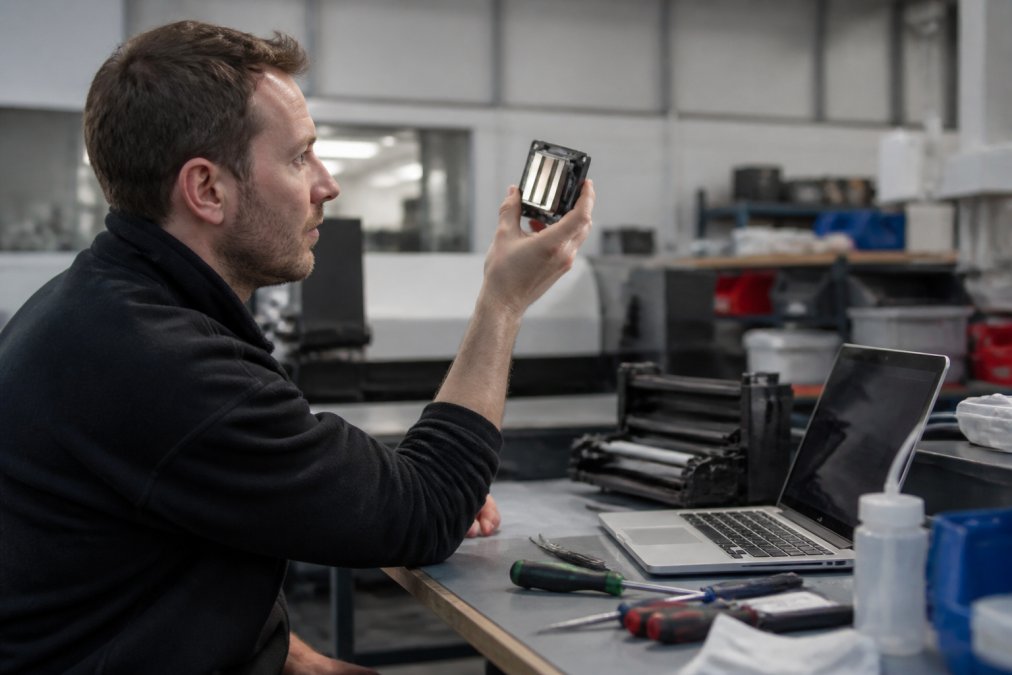
Vetting a supplier of industrial printer components means testing three things before you commit: whether they can evidence the specification, whether they hold stock, and whether they answer technical questions in technical language. A supplier who redirects every query to a sales inbox will let you down at 2am when a head fails mid-run.
Questions to Ask Before the First Order
Work through this checklist before you place a first order:
- Can you supply the batch or lot reference for this component?
- Which ink chemistries is this head rated for?
- What is your actual stock position today, not your catalogue position?
- What is your returns process if the part fails within the warranty period?
- Can your technical team support diagnosis remotely if the fault is not the part?
- Do you service laser, DTF and UV engines, or only one platform?
That last question matters more than most buyers expect. Facilities running mixed fleets often end up juggling three suppliers, three warranty processes and three sets of lead times. Consolidating onto one technical partner removes a layer of coordination that costs more than it looks.
The Industrial Printer Maintenance Checklist That Prevents Emergency Sourcing
Preventive maintenance is cheaper than emergency sourcing, every time. A daily and weekly routine catches the degradation that turns a scheduled part swap into an unplanned stoppage.
Daily: run a nozzle check, clean the capping station, confirm ink levels and check for visible leakage.
Weekly: inspect wiper blades and capping assemblies for wear, check the encoder strip for contamination, verify head height against specification, and log any change in print quality.
Monthly: review error logs for recurring faults, check tubing and dampers for hardening, and confirm your critical spares buffer is actually stocked.
Track what you replace and when. A simple log showing that a head lasted eleven months in one machine and four in another points to an environmental or ink problem rather than a parts problem. Most guides miss this: the component is often the messenger, not the cause.
Benefits of Professional Industrial Printer Repair Services
Professional repair services deliver three things an in-house fix rarely does: correct diagnosis, warranty-backed work, and a documented service history that supports resale and insurance. The benefits of professional industrial printer repair services are easiest to see when you compare them against the true cost of a failed DIY repair.
Diagnosis is where most self-repairs go wrong. Replacing a printhead when the actual fault sits in the ink supply or the capping station doubles your cost and leaves the original problem in place. A technician with platform-specific experience identifies the root cause before ordering parts.
Documented service history has a commercial value too. When equipment is sold, leased, or assessed for insurance, a maintenance record showing scheduled servicing and traceable parts carries real weight. In-house repairs with no paperwork do not.
For multi-platform facilities, one provider covering laser, DTF and UV engines removes the coordination overhead entirely. For multi-platform facilities, one provider covering laser, DTF and UV engines removes the coordination overhead entirely.
Negotiating Price, Lead Times and Warranty Terms
Price is the easiest term to negotiate and the least valuable. Lead time and warranty terms protect production; unit price only protects the invoice. Push hardest on the two that stop the line.
Ask for a guaranteed lead time in writing, not an estimate. Ask what happens if that lead time slips: a credit, a loan unit, or priority on the next shipment. Ask whether the warranty covers the part only or the part plus labour, because the labour is often the larger number.
Building a Critical Spares Buffer
Identify the components whose failure stops production entirely and hold at least one of each on site. For most DTF and UV operations that means a spare printhead matched to your platform, a set of wiper blades, capping assemblies, and dampers.
Match the buffer to your lead time, not to your storage space. If a replacement head takes five working days to arrive, you need enough stock to cover five working days of production. Anything less is a gamble dressed up as inventory control.
Downtime is the real cost in industrial printing, and it rarely comes from a single dramatic failure. It comes from a part that nearly matched, a supplier who could not evidence a batch, or a spares buffer built on optimism rather than lead times. Laserprints supplies traceable replacement printheads including the I3200-A1, XP600, I1600-A1 and L1800, backed by expert repair and servicing for laser, DTF and UV print engines, remote support, and quick response times. Get started with Laserprints and keep your production schedule uninterrupted.
Frequently Asked Questions
What are the risks of using non-OEM industrial printer parts?
Non-OEM parts can differ in nozzle geometry, ink channel materials and firmware handshake, which shows up as colour drift, misfires or premature printhead failure. The bigger risk is hidden: a cheap component that fails mid-run can take a whole production line down and void any remaining warranty on the machine. If you do go aftermarket, buy from a supplier who publishes exact nozzle counts and ink compatibility, and keep a genuine spare on the shelf for critical jobs.
How do I verify the authenticity of industrial printer components?
Check the part number against the manufacturer's published specification, not just the listing title. Look for a consistent batch or serial marking on the unit itself, ask for the supplier's traceability record back to the original manufacturer, and confirm the connector layout and nozzle row count match your engine. On Epson-based DTF systems, for example, an I3200-A1 should show 3,200 nozzles across 8 rows; anything that does not match that figure is not the part you ordered.
What should I look for in an industrial printer spare parts supplier?
Prioritise three things: stock held in the country you operate in, technical staff who can confirm compatibility before you buy, and a written warranty that covers both the part and any labour if it fails early. Ask how quickly they can dispatch a printhead or pump assembly, and whether they support laser, DTF and UV engines or only one platform. A supplier who services multiple print technologies saves you from juggling three vendors when something goes down.
Are refurbished industrial printer components a reliable option?
Refurbished components work well for non-critical positions such as capping stations, wiper assemblies and ink lines, where a rebuild is straightforward and failure is not catastrophic. They are a poor choice for printheads on revenue-generating machines, because nozzle wear and internal contamination are hard to assess without specialist test equipment. If you buy refurbished, insist on a documented test report and a return window long enough to run a full production shift before committing.